
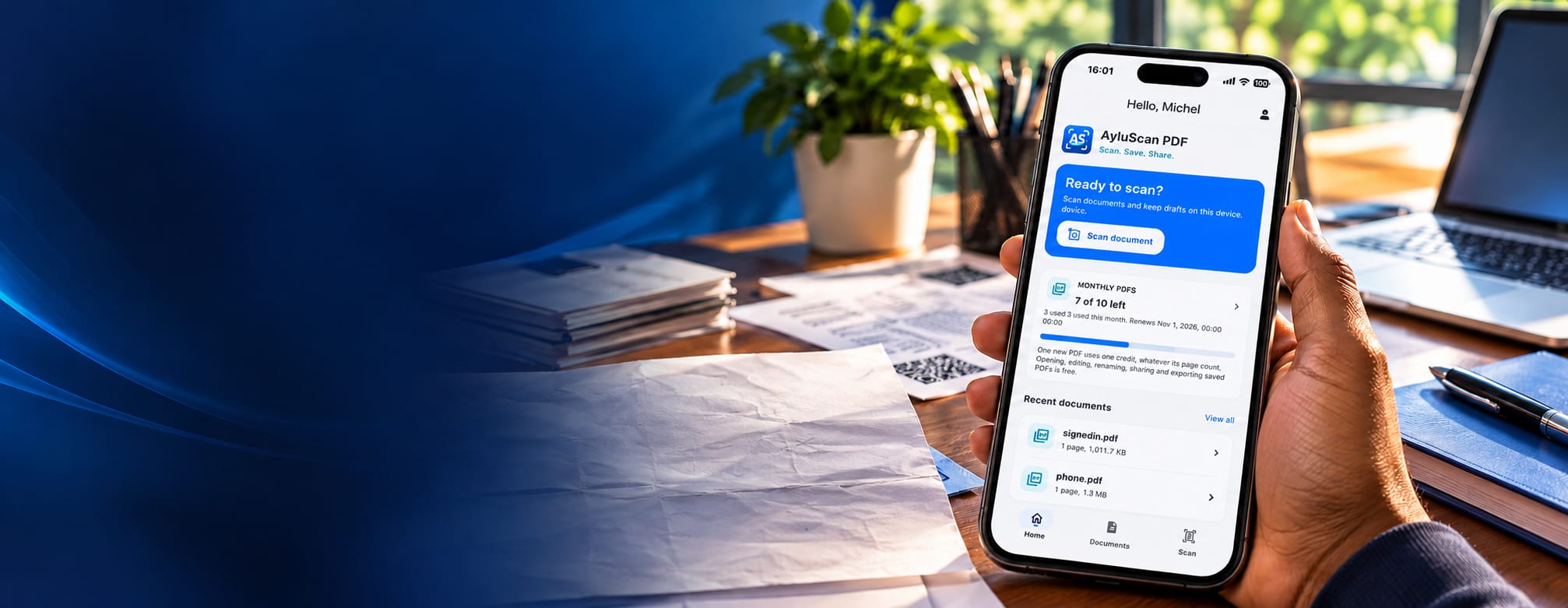
AyluScan PDF · by Aylukha Technologies
Scan. Save. Share.
AyluScan PDF turns paper documents into clean, shareable PDFs from your phone. No scanner or office equipment required.
Who it is for
Built for everyday document work
The problem we are solving
Paper documents are hard to capture, organise and carry. AyluScan PDF turns a phone camera into a document scanner that produces clean, shareable PDFs without special equipment.
Point your phone at a document, adjust the page, and AyluScan PDF builds a PDF you can organise and share, with the files kept on your own device.
Scanning
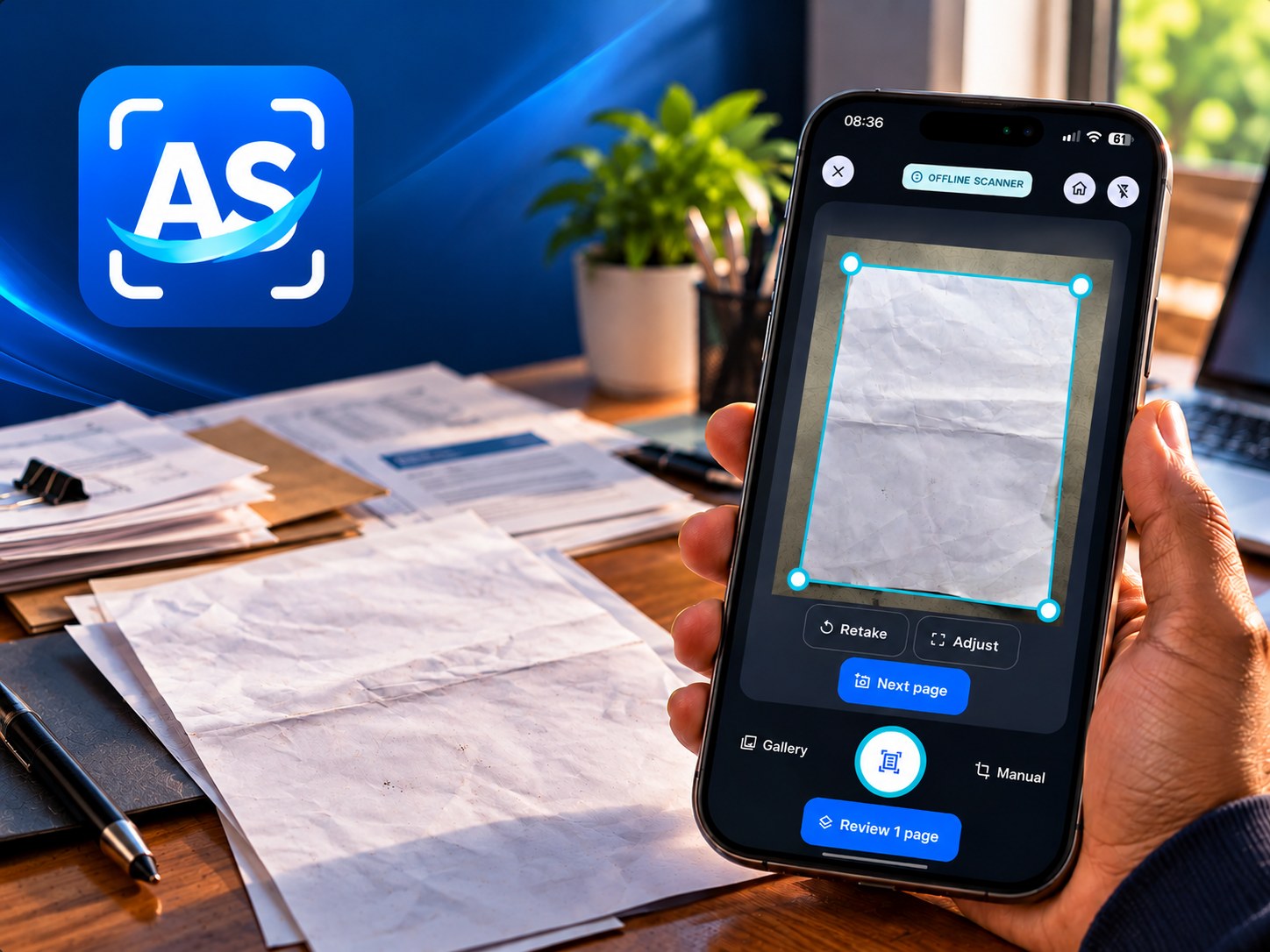
Scan documents with your phone
Capture paper documents straight from your phone camera: forms, receipts, notes, assignments or pages from a notebook.
A scan can include several pages captured one after another, and your draft stays on your device while you keep working.
- Capture pages with your phone camera
- Scan multiple pages in one session
- Drafts stay on your device while you work
Adjust and enhance
Adjust pages before you save
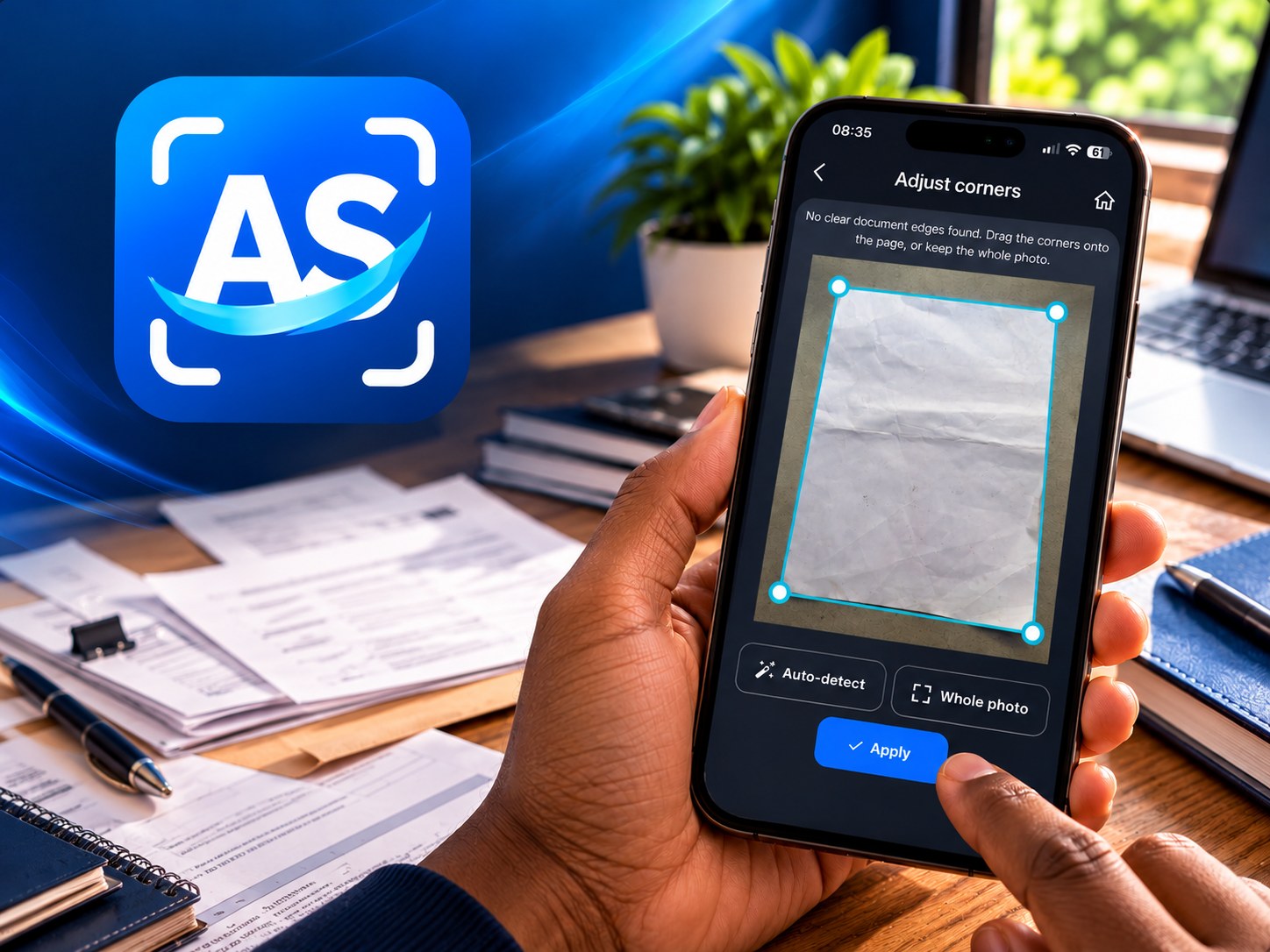
Every scan can be cleaned up before it becomes part of a PDF, so pages come out straight and readable.
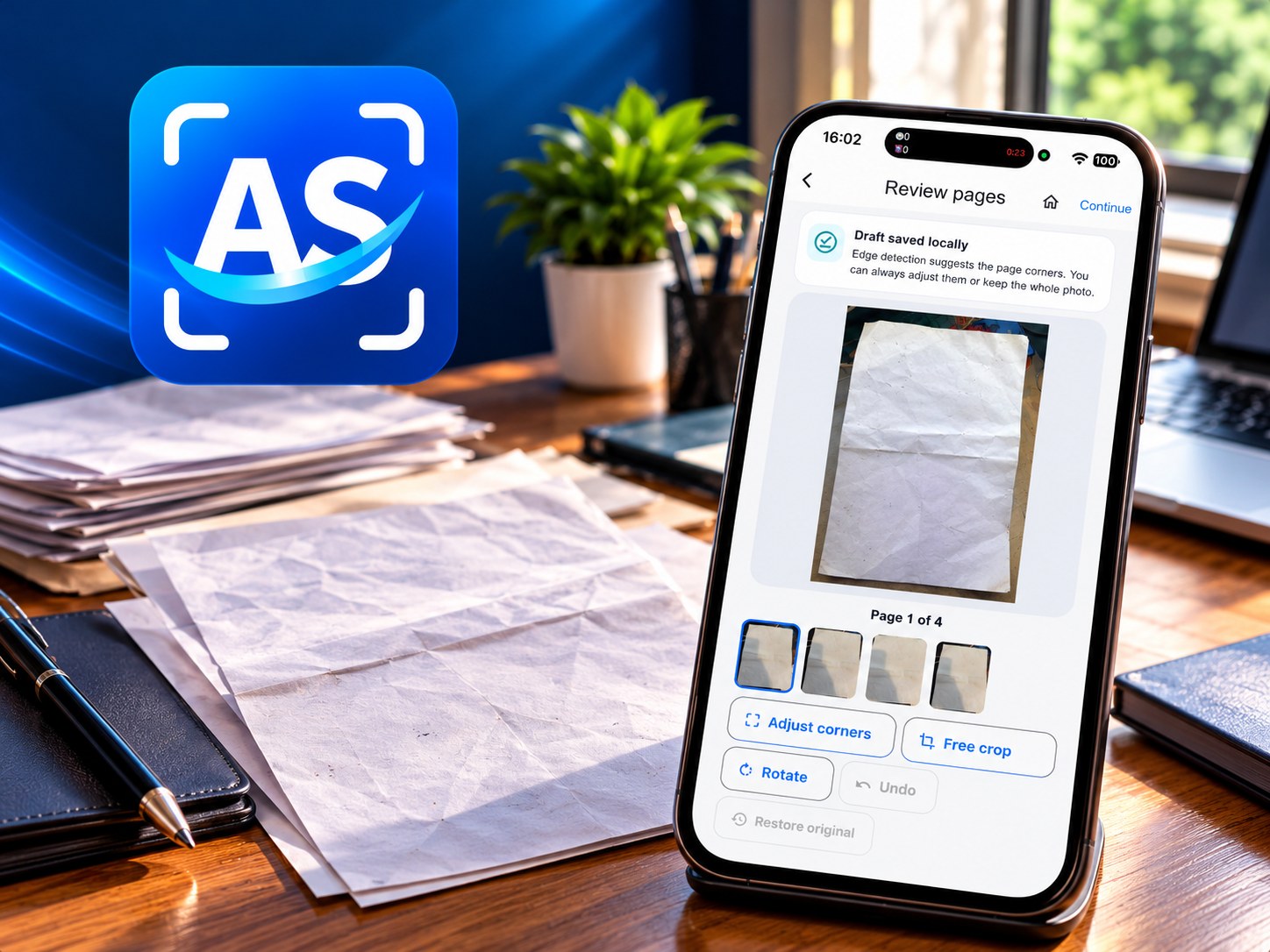
AyluScan PDF detects the edges of the document in view, lets you correct the detected corners, and gives you crop and rotate controls for each page.
- Adjust the detected document corners
- Crop and rotate scanned pages
- Review every page before creating the PDF
PDF creation
Combine pages into one multipage PDF
Pages from one scan are gathered into a single PDF document you can name, find later and send on.
Creating a PDF uses one credit from your free monthly allowance, no matter how many pages it contains.
- Combine captured pages into a single PDF
- One credit per completed PDF, whatever the page count
- Free monthly allowance for verified accounts
Your documents
Organise your saved documents
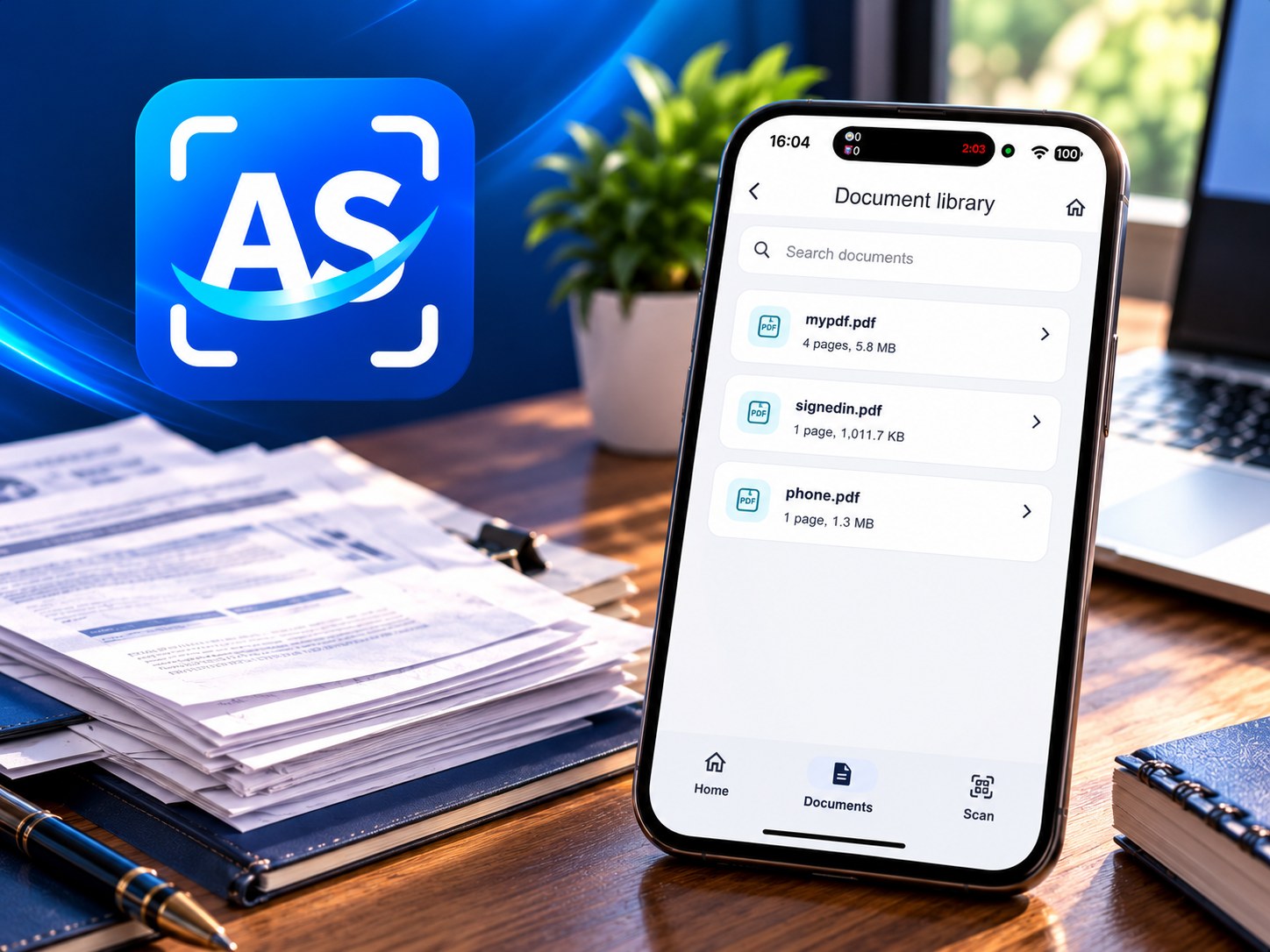
Finished PDFs live in a document library on your device, next to the drafts you are still working on.
Search for a document by name, open a saved PDF to read or edit it, and keep your files organised without uploading them anywhere.
- Browse your document library
- Search for saved documents
- PDFs stay on your device, not in cloud storage
Share and export
Share your PDFs in seconds
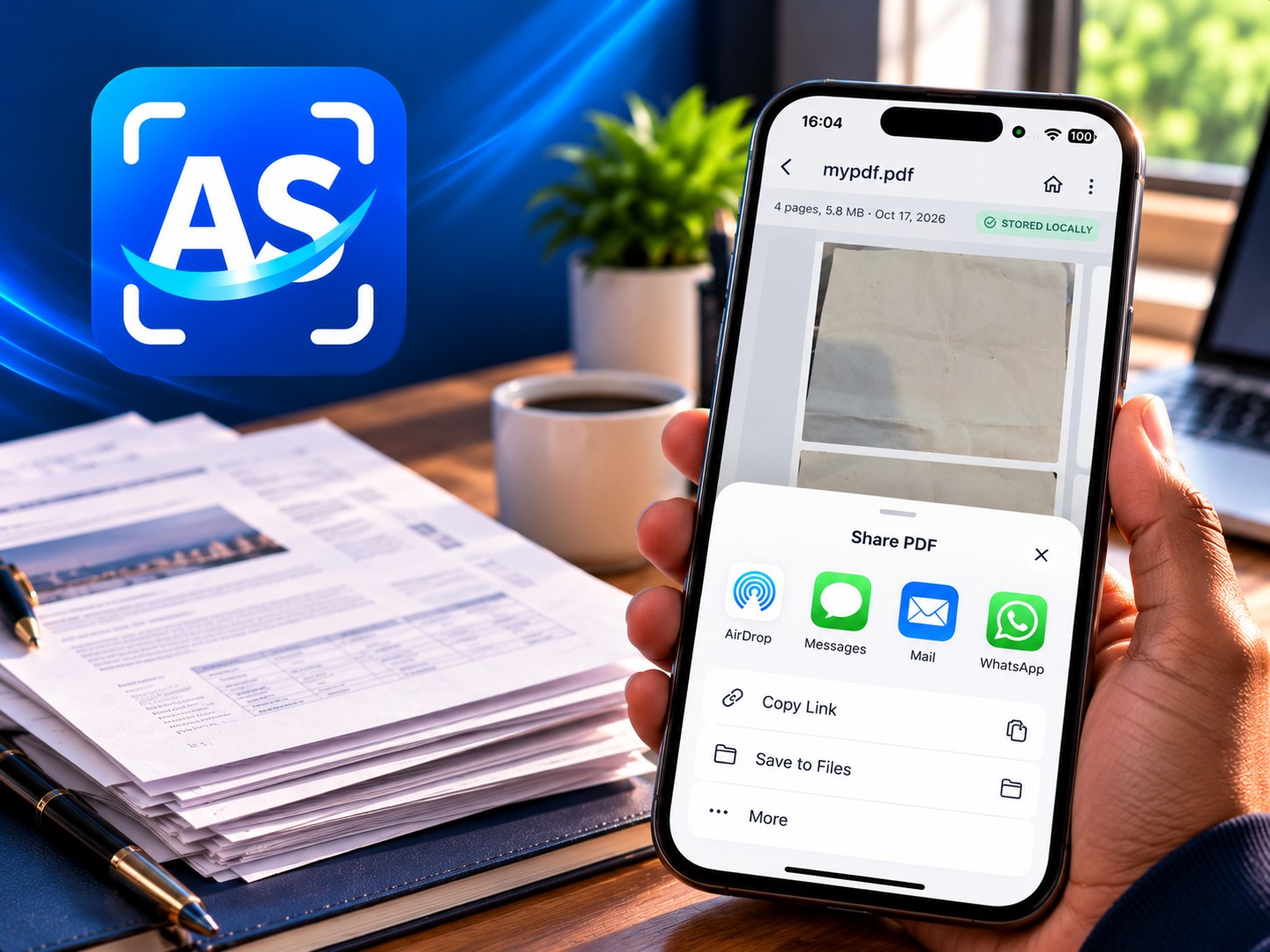
When a document is ready, send it wherever it needs to go using the sharing options your phone already supports.
Open a saved PDF from the library and share or export it. A copy leaves the application only when you choose to send it.
- Open saved PDFs from the library
- Share and export with your device’s supported apps
- Files leave the app only when you send them
Free monthly allowance
10 free PDFs every month
Verified accounts can create up to 10 new PDFs per calendar month. Each completed PDF uses one credit, regardless of page count. Unused monthly credits do not carry over. Opening, editing, renaming, sharing and exporting existing PDFs is free.
Get the app
Coming to Google Play and the App Store
AyluScan PDF is not yet listed on the public app stores. Contact us to request early access, and to hear when the Android and iOS listings go live.
Interested in AyluScan PDF?
Start a conversation about AyluScan PDF: early access, release updates, or how it fits into the Aylukha Technologies product family.